
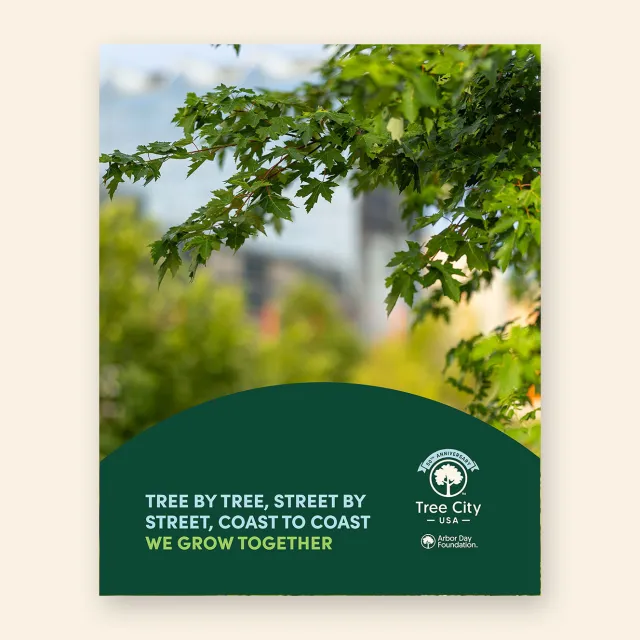
How to customize the social media graphic
NOTE: You do not need to have the full version of Adobe Acrobat – just the free Adobe Acrobat Reader. https://get.adobe.com/reader/
After downloading the PDF file, double-click to open.
- Once the file is open, click anywhere on the tree photo. This will automatically open a separate window titled “Select image”.
- Use the Browse button to navigate to your photo, then choose Select to add your photo. Make sure the image you insert is either square (1:1) ratio, or 4:5 vertical ratio to fill the frame completely.
- Go to File, then Save As and select .jpg from the drop-down menu.
How to interact with the Arbor Day Foundation on social
Make sure to tag the Arbor Day Foundation in your posts:
- Facebook: @arborday
- Instagram: @arbordayfoundation
- Threads: @arbordayfoundation
- X (formerly known as Twitter): @arborday
- LinkedIn: @Arbor Day Foundation